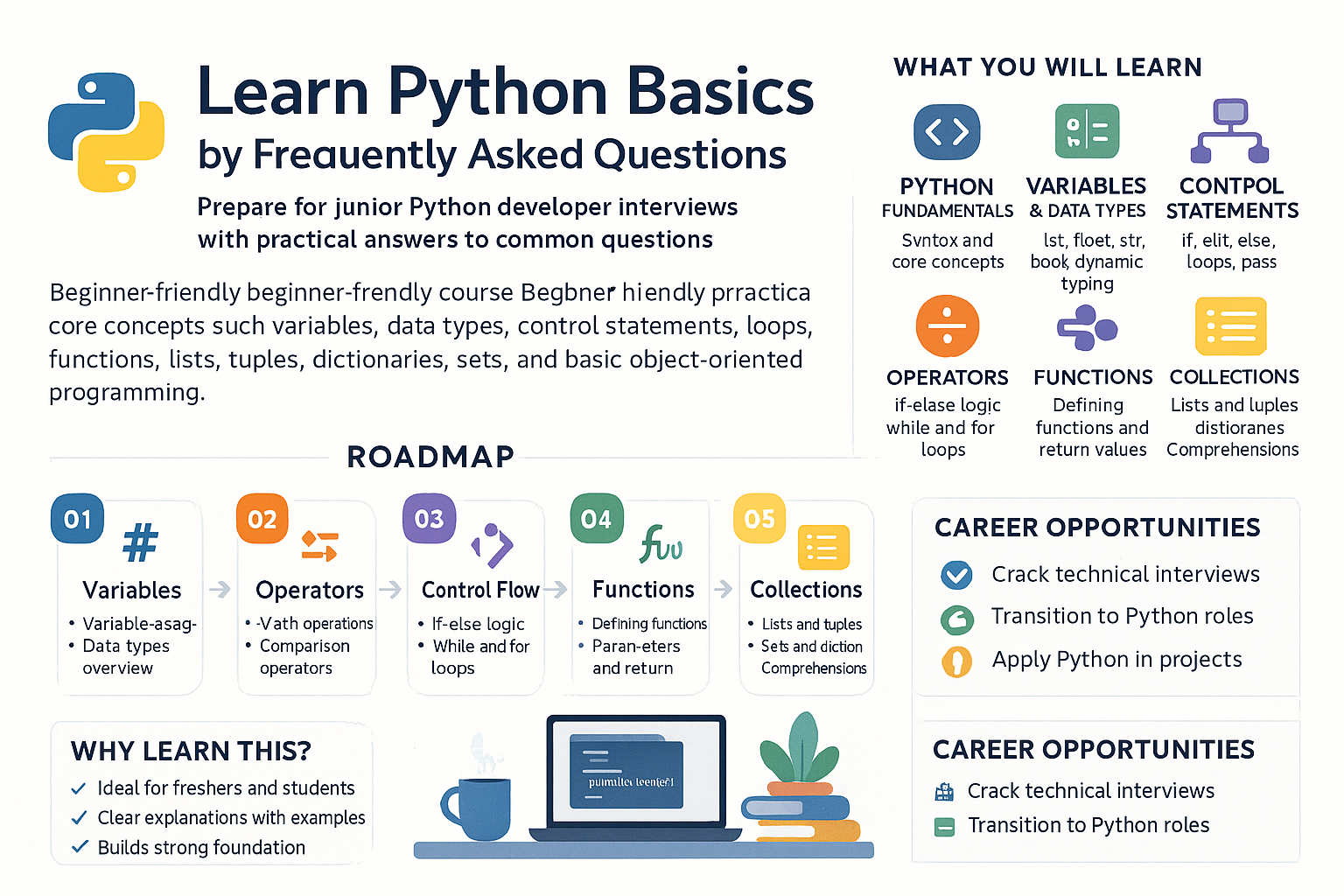
What are conditional statements in Python, and why are they important?
Conditional statements in Python are a programming construct used to perform different actions based on whether a condition evaluates to True or False. The primary conditional statements in Python are if, elif, and else.
- if statement: It evaluates a condition and executes a block of code only if the condition is True.
if condition:
    # code to execute if condition is true
- elif statement: Short for 'else if', it allows you to check multiple expressions for True and executes a block of code as soon as one of the conditions evaluates to True.
if first_condition:
    # code to execute if first_condition is true
elif second_condition:
    # code to execute if the first condition is false and second_condition is true
- else statement: It captures anything not captured by preceding conditions, executed if all previous conditions are False.
if condition:
    # code if true
else:
    # code if false
The importance of conditional statements lies in their ability to control the flow of a program's execution, allowing it to make logical decisions based on varying inputs or states. This makes your programs dynamic and flexible, capable of handling diverse scenarios and paths.
In real-world applications, conditional statements are essential for decision-making processes. Consider an online shopping cart. If the customer is a member, they receive a discount. The application evaluates if the customer ID corresponds to a member, applies a discount (if they are a member), or keeps the regular price (if they are not). This flow is controlled by conditional statements:
if customer.is_member:
    price = apply_discount(price)
else:
    price = regular_price
This structure ensures the system handles pricing logic correctly, demonstrating the practical utility and significance of conditional statements. They enable developers to embed intelligent processing logic, which is a foundational component of any robust application.
Explain how you can use nested if statements in Python.
Nested if statements refer to using one if statement inside another if statement. They are useful when multiple conditions need to be satisfied consecutively. In Python, indentation is used to define these nested blocks.
A basic example of a nested if statement looks like this:
if outer_condition:
    # code to execute if outer_condition is true
    if inner_condition:
        # code to execute if both outer_condition and inner_condition are true
Consider the scenario where you want to check if a number is positive, and if it is, whether it's also greater than 10. You'd write:
number = 15
if number > 0:
    print("Number is positive")
    if number > 10:
        print("Number is greater than 10")
Both conditions are checked in sequence, hence controlling finer execution paths in the logic. This technique is particularly useful when your logic requires more than one condition to be true simultaneously.
Nested if statements are like a decision tree. Consider a user authentication system where you first check if the user exists and, if so, verify their password. The first if checks if the user record is found, and nested within, an if or else checks the password against the stored password.
if user_exists(username):
    if check_password(username, password):
        print("Login successful")
    else:
        print("Incorrect password")
else:
    print("User not found")
Here, you're layering your logic to reflect a sequence where order matters—first find the user, then authenticate. This modular approach is practical in real-life as it maps closely to human decision-making processes, helping manage complexity by breaking tasks into smaller, controlled conditions.
What is the difference between 'if' and 'elif' in Python?
The if and elif keywords in Python both serve to control flow by allowing conditional execution of code blocks, but they are utilized differently within a structured decision-making process:
- if statement: It is the first, primary conditional check block that the program encounters. The
ifblock executes its code if the initial condition is true. Every conditional check sequence begins with anifstatement.
if condition1:
    # code to execute if condition1 is true
- elif statement: Also known as 'else if', it comes as a follow-up to an initial
ifblock or precedingelifblocks, providing an alternative condition to evaluate. If a preceding condition is false but theelifcondition is true, this code block will execute.
if condition1:
    # executes if condition1 is true
elif condition2:
    # executes if condition1 is false and condition2 is true
The difference essentially lies in their role within a sequence of decisions: if is always the start point, whereas elif provides alternative conditions extending the control path beyond the initial check.
Consider a simple grading system for scores:
score = 85
if score >= 90:
    grade = 'A'
elif score >= 80:
    grade = 'B'
else:
    grade = 'C'
The if statement checks if the score earns an A. If not, the control directly passes to elif to check for a B. Thus, elif statements serve to evaluate consecutive alternatives down a decision path when multiple possibilities exist. This mirrors logical sequences you'd encounter in real life, like considering backup travel plans if a primary option fails. Each elif offers a new route or possibility in decision-making, extending the path until conditions run out, or a conclusion is reached, reflecting thoughtful and organized program structure.
Can you use multiple 'elif' statements in Python? Provide an example.
Yes, you can use multiple elif statements in Python within a single sequence to evaluate multiple conditions in a hierarchical order. This is useful when there are several possible conditions to check, with each condition dictating a unique block of code.
Here’s how multiple elif statements might appear:
weather = "sunny"
if weather == "rainy":
    print("Take an umbrella")
elif weather == "sunny":
    print("Wear sunglasses")
elif weather == "cloudy":
    print("Might want a light jacket")
else:
    print("Check the weather forecast")
In this example, each elif checks a different condition of weather. It's mandatory to ensure these conditions do not overlap in logical terms (non-exclusive conditions), which can otherwise lead to unexpected behavior. The sequence stops checking further elif and else as soon as one condition evaluates to true.
Using multiple elif statements is a way to handle multiple, exclusive conditions, depicting a step-wise hierarchy for decisions. For instance, a transportation app might decide on the mode of transport based on distance:
distance = 15
if distance < 5:
    mode_of_transport = "Walk"
elif distance < 15:
    mode_of_transport = "Bike"
elif distance < 50:
    mode_of_transport = "Car"
else:
    mode_of_transport = "Train"
This structure reads as a waterfall of conditions, each elif depicting a next-best option based on the distance. Such a structure simplifies complex decision trees, aligning programmatic decisions with real-world decision-making practices, firstly ruling out the simplest possibilities, progressing to complex ones.
Explain the role of the else statement in Python's conditional structures.
The else statement in Python's conditional structures serves as a default catch-all condition. It executes a block of code when none of the preceding if or elif conditions have been satisfied. This ensures that there is always a code path that the program can follow, hence preventing the situation where no condition would be met.
The syntax for using the else statement is:
if condition1:
    # execute if condition1 is true
elif condition2:
    # execute if condition2 is true
else:
    # execute if condition1 and condition2 are both false
Consider a program that classifies numbers into categories:
number = -1
if number > 0:
    classification = "Positive"
elif number == 0:
    classification = "Zero"
else:
    classification = "Negative"
In this scenario, else ensures that a number is classified as "Negative" if neither preceding conditions (being positive or zero) are true. Thus, else can handle exceptions or ensure a complete decision-making process.
The else statement provides closure to conditional logic, ensuring a controlled outcome when conditions aren’t met—important in scenarios where every input should yield a response. Consider an e-commerce site's payment process:
payment_method = "Cheque"
if payment_method == "Credit Card":
    process_credit_card()
elif payment_method == "PayPal":
    process_paypal()
else:
    print("Payment method not supported")
If a user selects an unsupported payment method, else captures this unhandled input, providing a fallback—a necessary component for robust, user-friendly applications. It simulates the last safety net, ensuring holistic decision-making coverage across all scenarios.
Is it possible to write Python's conditional statement in a single line? How would you use it?
Yes, Python allows writing conditional statements in a single line using ternary conditional operators or conditional expressions. It's called a ternary operator because it requires three operands. This operator evaluates a condition and returns one of two values, based on whether the condition is true or false.
The syntax for a single-line if-else statement is:
value_if_true if condition else value_if_false
For example, you might have a quick condition to decide if a number is odd or even:
number = 5
output = "Even" if number % 2 == 0 else "Odd"
print(output)  # Outputs: Odd
This concise form is efficient for straightforward assignments or operations where readability is not compromised by the simplicity of the logic. However, for more complex conditions, multiline statements are preferred for clarity.
Single-line conditional statements are often used to streamline code and convey simple logic succinctly. Consider an application needing basic validation for a user's age to approve or deny access to age-restricted content:
age = 20
access = "Allowed" if age >= 18 else "Denied"
This statement quickly checks if a user is 18 or older, applying the respective logic in one compact line. It's ideal for scenarios where conditions and their respective logic are straightforward, maintaining code readability while reducing verbosity. However, it should be applied judiciously, as packing complex logic into a single line can lead to decreased code readability and maintainability, which is particularly problematic when collaborating on larger projects.
How can logical operators (and, or, not) be used in conjunction with conditional statements in Python?
Logical operators in Python (and, or, not) play a critical role in forming compound conditions within conditional statements. They allow the combination of multiple boolean expressions to create more intricate logic checks:
- and: Both conditions must be true for the compound expression to be true.
if age >= 18 and age < 65:
    print("Eligible for work")
- or: If at least one condition is true, the compound expression evaluates to true.
if day == "Saturday" or day == "Sunday":
    print("It's a weekend!")
- not: Inverts the truth value of the condition.
if not is_locked:
    print("The door is open")
These operators enable conditional statements to simulate more realistic decision-making processes by enforcing multiple simultaneous checks or allowing flexibility with alternative pathways.
Consider a case where an online platform checks if a promotional discount can be applied. The discount might be valid for any items from category 'A' or 'B', but only if the user is logged in:
user_logged_in = True
category = "A"
if user_logged_in and (category == "A" or category == "B"):
    print("Discount applied")
else:
    print("Discount not applicable")
Here, and ensures the user must be logged in, while or gives flexibility in which categories qualify. The not operator might deny the application of the discount if any conditions are false, providing robustness in decision-making.
Logical operators used in conditionals mirror the kinds of multi-criteria evaluations that are common in business logic, user authentication, and complex decision-making, enabling the thorough evaluation of scenarios encompassing numerous requirements or alternatives.
Provide an example of using a conditional statement inside a loop in Python, and explain its functionality.
Conditional statements are frequently used inside loops to introduce decision-making capabilities during iterative processing. This can refine the logic by acting on only those elements that meet certain conditions.
Consider processing a list of numbers, where you need to print only the even numbers from the list:
numbers = [1, 2, 3, 4, 5, 6, 7, 8, 9, 10]
for number in numbers:
    if number % 2 == 0:
        print(number)
Here, a loop iterates over each number in the list. For each number, the if statement checks if it's divisible by 2 (even); only then is it printed. This setup is powerful for filtering datasets or applying actions to only those elements that meet specified criteria.
Using conditional statements within loops is a practical approach for tasks like data processing, where particular actions should only apply to data subsets. For instance, consider a system that sends alerts only on days with a specific condition:
daily_temperatures = [65, 70, 75, 80, 72, 68, 74]
threshold = 75

for temp in daily_temperatures:
    if temp > threshold:
        print(f"Alert! Temperature exceeded threshold: {temp}")
This loop processes each day's temperature, sending an alert only when exceeding a preset threshold, optimizing resource usage and reducing unnecessary alerts. Such logic mirrors real-world rules needed in inventory checks, real-time data monitoring, and event-driven responses, proving indispensable in crafting applications that must react flexibly to variable input data.
What are some common pitfalls beginners might encounter with conditional statements in Python?
When beginners work with conditional statements in Python, several common pitfalls can affect code functionality:
- Misusing Indentation: Python uses whitespace to define blocks of code. Beginner errors often include incorrect indentation, leading to syntax errors or unintended logic paths.
if condition:
print("This won't work because it's not indented correctly")
Correct indentation is crucial:
if condition:
    print("This is correct")
-
Condition Overlaps and Duplication: Beginners might unintentionally create overlapping conditions within
iforelifstatements. This can result in unexpected behavior because once a true condition is met, remaining conditions aren't evaluated, potentially ignoring crucial checks. -
Chained Comparisons Mistakes: Mixing up comparator logic with operators can lead to incorrect evaluations.
if 10 < number < 20: # Correctly checks if 'number' is in range
- Incorrect Use of Logical Operators: Misunderstanding
andvs.orcan lead to logic issues where conditions evaluate in oppositely intended ways, causing false results or missed logic paths.
if age < 18 or age > 65: # Evaluates correctly for young or senior age groups
- Forgetting the
elseOutcome: Sometimes beginners might omit anelseor rely heavily on assumptions that conditions will be met, which can cause unexpected behavior when no conditions apply.
Avoiding these pitfalls involves understanding Python’s syntax rules, clearly mapping out intended logic, and systematically testing edge cases in your conditional structures.
Beginners often struggle with conditional statements due to Python's reliance on precise syntax and its evaluation logic. Consider a logic where you choose delivery options in an app:
location = "urban"
weight = 10
distance = 15

if location == "urban" and weight < 20:
    delivery = "bike"
elif location == "rural" or weight >= 20:
    delivery = "truck"
else:
    delivery = "not available"
Misplaced conditions or misunderstood logic operators could erroneously categorize delivery types, impacting business operations like deliveries. Testing each logical branch for correctness is crucial, emphasizing thorough understanding and repetitious practice as keystones to overcoming these difficulties, especially highlighting why a condition logically achieves desired real-world outcomes, like chosen delivery methods according to defined categories, ensuring functional and reliable application behavior under varying scenarios.